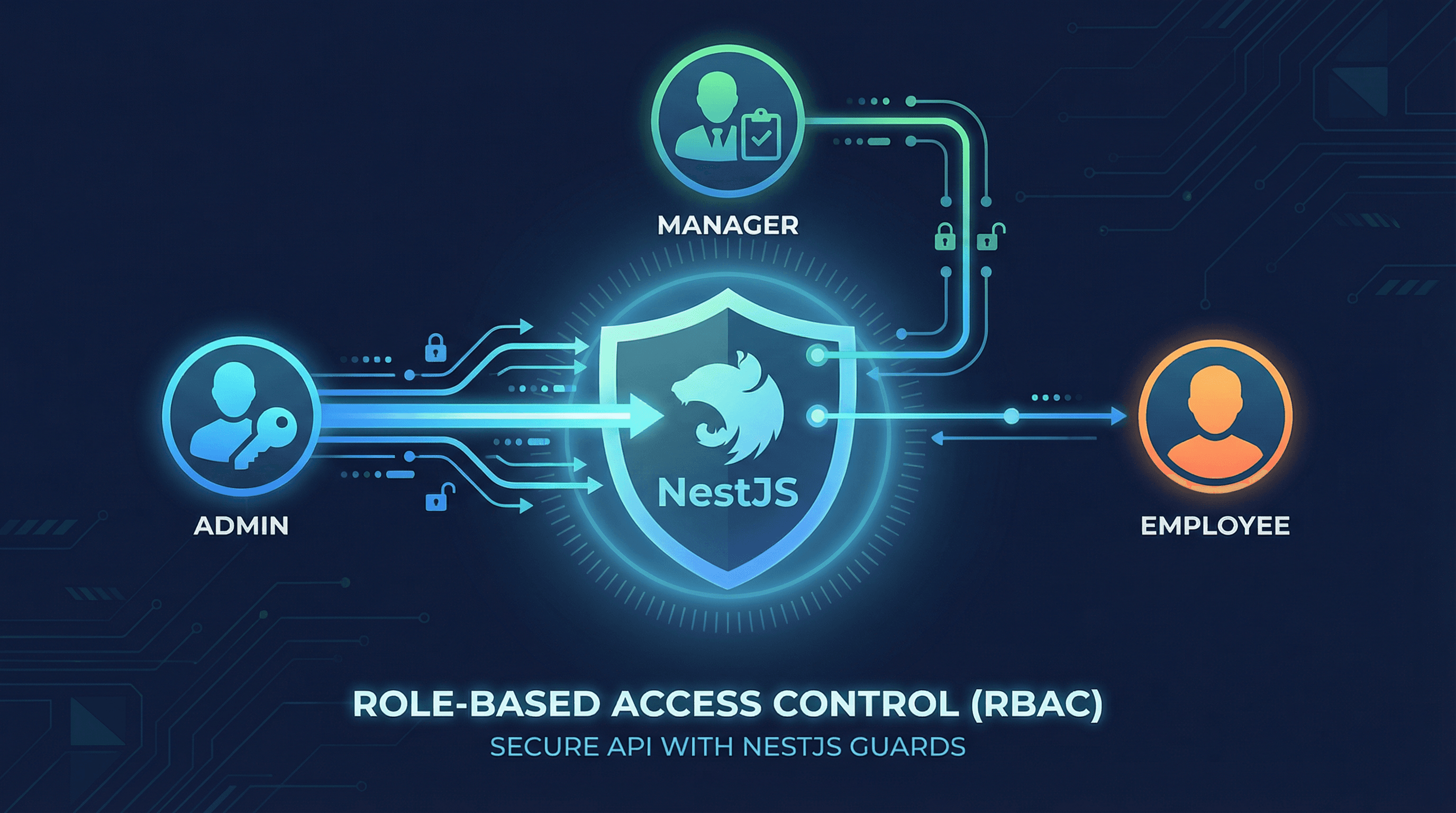
Implementing Role-Based Access Control (RBAC) in NestJS
Role-Based Access Control (RBAC) is a fundamental security pattern that restricts system access based on user roles. In this article, we'll explore how to implement a robust RBAC system in NestJS, complete with guards, decorators, and fine-grained permission management.
Understanding RBAC
RBAC assigns permissions to roles rather than individual users. Users are assigned roles, and roles determine what actions they can perform. This approach simplifies permission management and makes it easier to audit access patterns.
Common Roles Structure
In our example, we'll implement five roles with different permission levels:
- SUPER_ADMIN: Full system access
- ADMIN: Management access (limited sensitive data)
- MANAGER: Project and team management
- ACCOUNTANT: Financial data access
- EMPLOYEE: Limited access to own data
Implementation
1. Role Enum
First, define your roles as an enum:
// packages/shared/src/constants/index.ts
export enum Role {
  SUPER_ADMIN = 'super_admin',
  ADMIN = 'admin',
  MANAGER = 'manager',
  ACCOUNTANT = 'accountant',
  EMPLOYEE = 'employee',
}
2. Roles Decorator
Create a custom decorator to specify which roles can access an endpoint:
// apps/backend/src/common/decorators/roles.decorator.ts
import { SetMetadata } from '@nestjs/common';
import { Role } from '@rms/shared/enums';

export const ROLES_KEY = 'roles';
export const Roles = (...roles: Role[]) => SetMetadata(ROLES_KEY, roles);
3. Current User Decorator
Extract the current user from the request:
// apps/backend/src/common/decorators/current-user.decorator.ts
import { createParamDecorator, ExecutionContext } from '@nestjs/common';

export const CurrentUser = createParamDecorator((data: unknown, ctx: ExecutionContext) => {
  const request = ctx.switchToHttp().getRequest();
  return request.user;
});
4. Roles Guard
The guard checks if the user's role matches the required roles:
// apps/backend/src/common/guards/roles.guard.ts
import { Injectable, CanActivate, ExecutionContext } from '@nestjs/common';
import { Reflector } from '@nestjs/core';
import { Role } from '@rms/shared/enums';
import { ROLES_KEY } from '../decorators/roles.decorator';

@Injectable()
export class RolesGuard implements CanActivate {
  constructor(private reflector: Reflector) {}

  canActivate(context: ExecutionContext): boolean {
    const requiredRoles = this.reflector.getAllAndOverride<Role[]>(ROLES_KEY, [
      context.getHandler(),
      context.getClass(),
    ]);

    if (!requiredRoles) {
      return true; // No roles specified, allow access
    }

    const { user } = context.switchToHttp().getRequest();

    if (!user) {
      return false;
    }

    return requiredRoles.some((role) => user.role === role);
  }
}
5. JWT Auth Guard
Protect endpoints with JWT authentication:
// apps/backend/src/common/guards/jwt-auth.guard.ts
import { Injectable, ExecutionContext, UnauthorizedException } from '@nestjs/common';
import { AuthGuard } from '@nestjs/passport';
import { Observable } from 'rxjs';

@Injectable()
export class JwtAuthGuard extends AuthGuard('jwt') {
  canActivate(context: ExecutionContext): boolean | Promise<boolean> | Observable<boolean> {
    return super.canActivate(context);
  }

  handleRequest(err: any, user: any, info: any) {
    if (err || !user) {
      throw err || new UnauthorizedException('Invalid or expired token');
    }
    return user;
  }
}
6. Controller Usage
Apply guards and role decorators to your controllers:
// apps/backend/src/users/users.controller.ts
import { Controller, Get, UseGuards, Patch, Body, Param } from '@nestjs/common';
import { JwtAuthGuard } from '../common/guards/jwt-auth.guard';
import { RolesGuard } from '../common/guards/roles.guard';
import { Roles } from '../common/decorators/roles.decorator';
import { CurrentUser } from '../common/decorators/current-user.decorator';
import { Role } from '@rms/shared/enums';
import { UsersService } from './users.service';
import { User } from './entities/user.entity';

@Controller('users')
@UseGuards(JwtAuthGuard, RolesGuard)
export class UsersController {
  constructor(private readonly usersService: UsersService) {}

  @Get()
  @Roles(Role.SUPER_ADMIN, Role.ADMIN, Role.MANAGER)
  async findAll() {
    return this.usersService.findAll();
  }

  @Get(':id')
  @Roles(Role.SUPER_ADMIN, Role.ADMIN, Role.MANAGER, Role.ACCOUNTANT)
  async findOne(@Param('id') id: string) {
    return this.usersService.findOne(id);
  }

  @Patch(':id')
  @Roles(Role.SUPER_ADMIN, Role.ADMIN)
  async update(@Param('id') id: string, @Body() updateUserDto: UpdateUserDto, @CurrentUser() currentUser: User) {
    // Additional business logic: check if user can edit this specific user
    if (currentUser.role !== Role.SUPER_ADMIN && id !== currentUser.id) {
      throw new ForbiddenException('Cannot edit other users');
    }
    return this.usersService.update(id, updateUserDto);
  }
}
7. Fine-Grained Permission Checks
For more complex scenarios, implement permission checks in services:
// apps/backend/src/users/users.service.ts
import { Injectable, ForbiddenException } from '@nestjs/common';
import { Role } from '@rms/shared/enums';

@Injectable()
export class UsersService {
  async updateUser(userId: string, updateData: UpdateUserDto, currentUser: User): Promise<User> {
    const targetUser = await this.userRepository.findOne({ where: { id: userId } });

    // Check if current user can edit rate fields
    if (updateData.vndRate || updateData.usdRate) {
      if (currentUser.role !== Role.SUPER_ADMIN) {
        throw new ForbiddenException('Only super admins can modify rates');
      }
    }

    // Check if current user can edit bank information
    if (updateData.bankAccountNumber || updateData.bankName) {
      if (![Role.SUPER_ADMIN, Role.ADMIN].includes(currentUser.role)) {
        throw new ForbiddenException('Cannot modify bank information');
      }
    }

    // Employees can only edit their own profile with limited fields
    if (currentUser.role === Role.EMPLOYEE) {
      if (userId !== currentUser.id) {
        throw new ForbiddenException('Can only edit own profile');
      }
      // Whitelist allowed fields for employees
      const allowedFields = ['firstName', 'lastName', 'phone', 'email', 'avatarPath'];
      const filteredData = Object.keys(updateData)
        .filter((key) => allowedFields.includes(key))
        .reduce((obj, key) => {
          obj[key] = updateData[key];
          return obj;
        }, {});
      return this.userRepository.update(userId, filteredData);
    }

    return this.userRepository.update(userId, updateData);
  }
}
Permission Matrix
Here's a sample permission matrix for different resources:
| Resource | SUPER_ADMIN | ADMIN | MANAGER | ACCOUNTANT | EMPLOYEE |
|---|---|---|---|---|---|
| Users CRUD | ✅ Full | ✅ Limited* | ✅ Limited* | 👁️ Read | 👁️ Own only |
| Projects | ✅ Full | ✅ Full | ✅ Full | 👁️ Read | 👁️ Assigned |
| Payrolls | ✅ Full | 👁️ Read | 👁️ Read | 👁️ Read | ❌ None |
| Payouts | ✅ Full | ❌ None | ❌ None | 👁️ Read | ❌ None |
| Skills | ✅ Full | ✅ Full | ✅ Full | 👁️ Read | ✅ Own only |
*Limited: Cannot modify rate or bank information
Testing RBAC
Write tests to ensure your RBAC implementation works correctly:
// apps/backend/src/users/users.controller.spec.ts
describe('UsersController', () => {
  it('should allow SUPER_ADMIN to access all users', async () => {
    const superAdmin = { id: '1', role: Role.SUPER_ADMIN };
    const result = await controller.findAll(superAdmin);
    expect(result).toBeDefined();
  });

  it('should deny EMPLOYEE access to all users', async () => {
    const employee = { id: '2', role: Role.EMPLOYEE };
    await expect(controller.findAll(employee)).rejects.toThrow(ForbiddenException);
  });
});
Best Practices
- Principle of Least Privilege: Grant minimum necessary permissions
- Role Hierarchy: Consider implementing role inheritance if needed
- Audit Logging: Log all permission checks and access attempts
- Regular Reviews: Periodically review role assignments
- Separation of Concerns: Keep authorization logic separate from business logic
Conclusion
RBAC is essential for building secure, maintainable applications. By leveraging NestJS guards and decorators, we can create a clean, declarative authorization system that's easy to understand and maintain. Remember to test your authorization logic thoroughly and regularly review role assignments to ensure security.