Next.js 16 App Router Deep Dive: Advanced Patterns and Best Practices
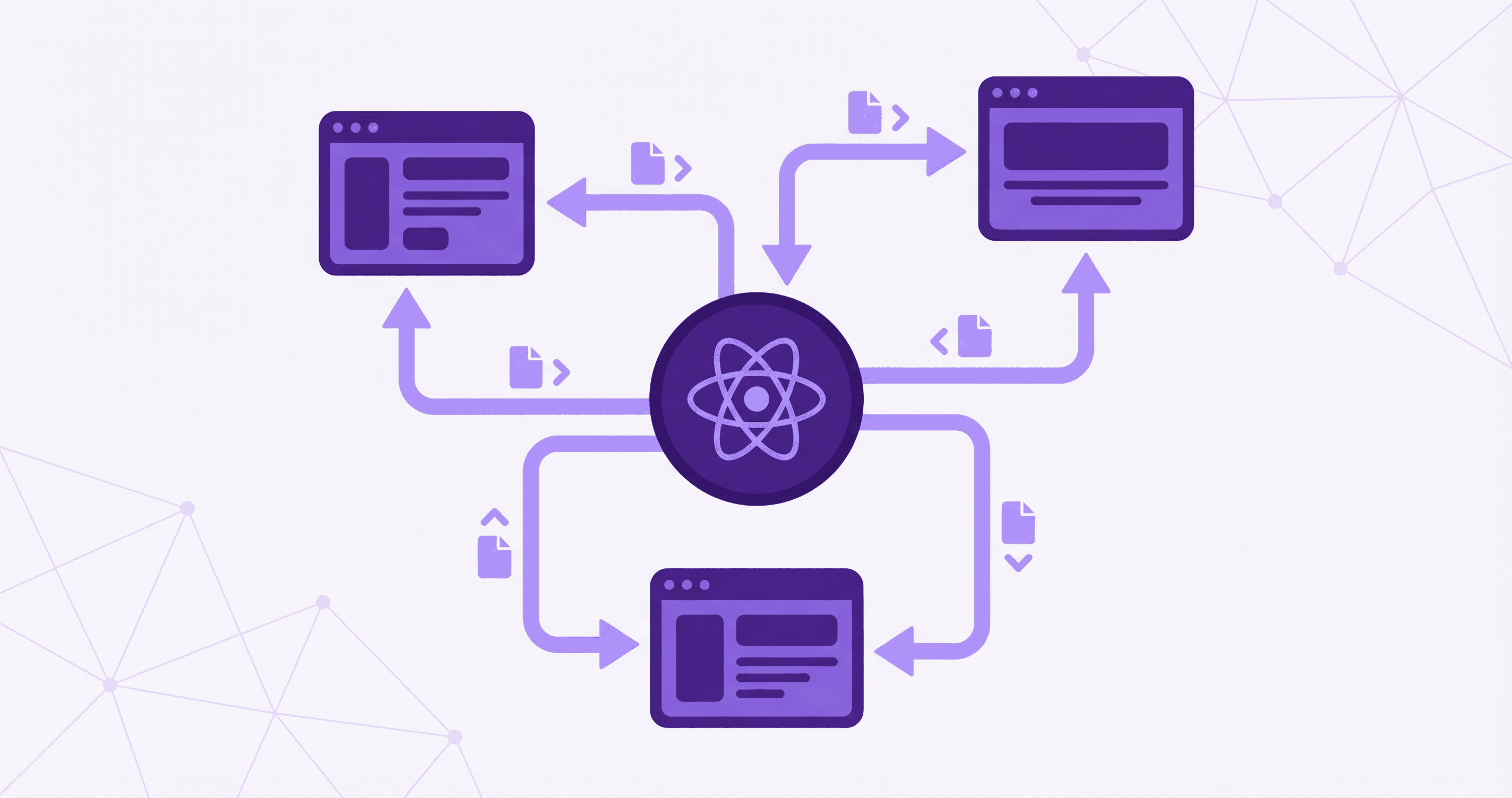
Next.js 16's App Router introduces powerful new features that revolutionize how we build React applications. Beyond the basics, there are advanced patterns that can significantly improve your application's architecture and user experience. In this article, we'll explore these advanced concepts.
Understanding the App Router Architecture
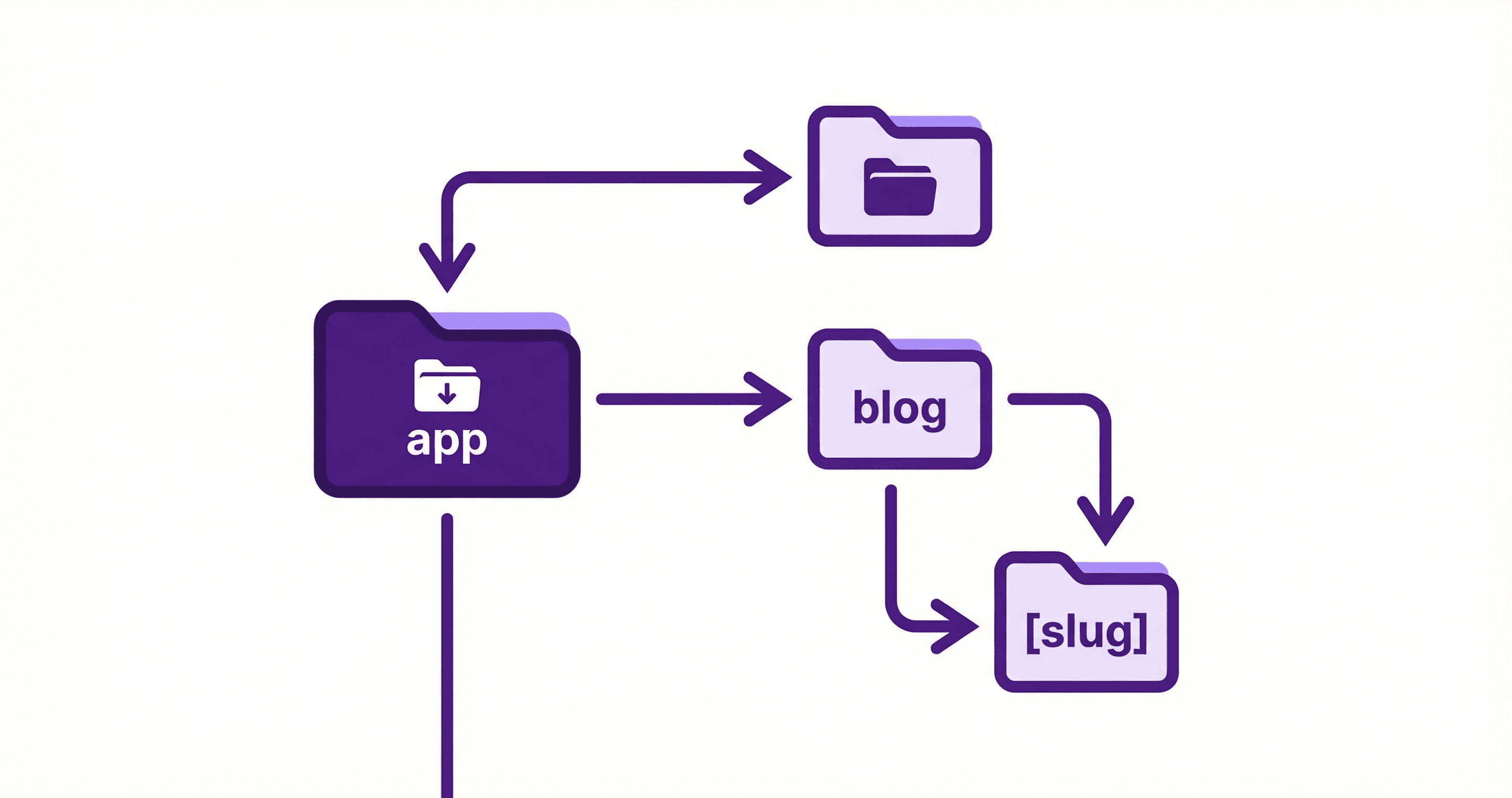
The App Router uses a file-system based routing system where folders define routes. Understanding this structure is crucial:
app/
├── layout.tsx          # Root layout
├── page.tsx            # Home page (/)
├── loading.tsx         # Loading UI
├── error.tsx           # Error UI
├── not-found.tsx       # 404 page
├── dashboard/
│   ├── layout.tsx      # Dashboard layout
│   ├── page.tsx        # /dashboard
│   ├── @analytics/     # Parallel route
│   │   └── page.tsx
│   └── (tabs)/         # Route group
│       ├── settings/
│       └── profile/
└── (marketing)/        # Route group
    ├── about/
    └── contact/
Parallel Routes
Parallel routes allow you to simultaneously render multiple pages in the same layout. This is perfect for dashboards with multiple views.
Implementation
// app/dashboard/layout.tsx
export default function DashboardLayout({
  children,
  analytics,
  team,
}: {
  children: React.ReactNode;
  analytics: React.ReactNode;
  team: React.ReactNode;
}) {
  return (
    <div className="dashboard">
      <aside className="sidebar">{/* Navigation */}</aside>
      <main className="content">
        {children}
      </main>
      <div className="panels">
        <div className="analytics-panel">{analytics}</div>
        <div className="team-panel">{team}</div>
      </div>
    </div>
  );
}// app/dashboard/@analytics/page.tsx
export default function AnalyticsPanel() {
return (
<div className="analytics">
<h2>Analytics</h2>
{/* Analytics content */}
</div>
);
}// app/dashboard/@team/page.tsx
export default function TeamPanel() {
return (
<div className="team">
<h2>Team</h2>
{/* Team content */}
</div>
);
}Conditional Rendering
Use default.tsx to handle unmatched routes:
// app/dashboard/@analytics/default.tsx
export default function DefaultAnalytics() {
  return <div>No analytics data available</div>;
}
Intercepting Routes
Intercept routes allow you to show a route in a modal while keeping the URL unchanged. Perfect for modals and overlays.
Setup
// app/@modal/(.)dashboard/users/[id]/page.tsx
'use client';

import { useRouter } from 'next/navigation';
import { useEffect } from 'react';

export default function UserModal({ params }: { params: { id: string } }) {
  const router = useRouter();

  return (
    <div className="modal-overlay" onClick={() => router.back()}>
      <div className="modal-content" onClick={(e) => e.stopPropagation()}>
        <h2>User Details</h2>
        <p>User ID: {params.id}</p>
        <button onClick={() => router.back()}>Close</button>
      </div>
    </div>
  );
}
The (.) prefix intercepts routes at the same level. Use:
(.)- Same level(..)- One level up(..)(..)- Two levels up(...)- From root
Route Groups
Route groups organize routes without affecting the URL structure:
// app/(marketing)/about/page.tsx
// URL: /about (not /marketing/about)

// app/(marketing)/contact/page.tsx
// URL: /contact (not /marketing/contact)

// app/(dashboard)/settings/page.tsx
// URL: /settings (not /dashboard/settings)
Use route groups for:
- Different layouts
- Organizing related routes
- Conditional layouts
Server Actions
Server Actions provide a type-safe way to mutate data without API routes.
Basic Server Action
// app/actions/users.ts
'use server';

import { revalidatePath } from 'next/cache';
import { redirect } from 'next/navigation';

export async function createUser(formData: FormData) {
  const name = formData.get('name') as string;
  const email = formData.get('email') as string;

  // Validate input
  if (!name || !email) {
    return { error: 'Name and email are required' };
  }

  // Save to database
  const user = await db.user.create({
    data: { name, email },
  });

  // Revalidate cache
  revalidatePath('/users');

  return { success: true, user };
}

export async function deleteUser(id: string) {
  await db.user.delete({ where: { id } });
  revalidatePath('/users');
  redirect('/users');
}
Using Server Actions
// app/users/create/page.tsx
import { createUser } from '@/app/actions/users';

export default function CreateUserPage() {
  return (
    <form action={createUser}>
      <input name="name" type="text" required />
      <input name="email" type="email" required />
      <button type="submit">Create User</button>
    </form>
  );
}
With useTransition
'use client';

import { useTransition } from 'react';
import { createUser } from '@/app/actions/users';

export function CreateUserForm() {
  const [isPending, startTransition] = useTransition();

  async function handleSubmit(formData: FormData) {
    startTransition(async () => {
      const result = await createUser(formData);
      if (result.error) {
        // Handle error
      }
    });
  }

  return (
    <form action={handleSubmit}>
      <input name="name" type="text" required />
      <input name="email" type="email" required />
      <button type="submit" disabled={isPending}>
        {isPending ? 'Creating...' : 'Create User'}
      </button>
    </form>
  );
}
Advanced Data Fetching
Streaming with Suspense
// app/dashboard/users/page.tsx
import { Suspense } from 'react';

async function UsersList() {
  const users = await fetchUsers();
  return (
    <ul>
      {users.map(user => (
        <li key={user.id}>{user.name}</li>
      ))}
    </ul>
  );
}

function UsersLoading() {
  return <div>Loading users...</div>;
}

export default function UsersPage() {
  return (
    <div>
      <h1>Users</h1>
      <Suspense fallback={<UsersLoading />}>
        <UsersList />
      </Suspense>
    </div>
  );
}
Parallel Data Fetching
export default async function DashboardPage() {
  // Fetch in parallel
  const [users, projects, analytics] = await Promise.all([
    fetchUsers(),
    fetchProjects(),
    fetchAnalytics(),
  ]);

  return (
    <div>
      <UsersList users={users} />
      <ProjectsList projects={projects} />
      <Analytics data={analytics} />
    </div>
  );
}
Route Handlers
For API endpoints, use Route Handlers:
// app/api/users/route.ts
import { NextRequest, NextResponse } from 'next/server';

export async function GET(request: NextRequest) {
  const searchParams = request.nextUrl.searchParams;
  const page = searchParams.get('page') || '1';

  const users = await fetchUsers({ page: parseInt(page) });

  return NextResponse.json({ users });
}

export async function POST(request: NextRequest) {
  const body = await request.json();

  const user = await createUser(body);

  return NextResponse.json(user, { status: 201 });
}
Metadata API
Dynamic metadata for SEO:
// app/users/[id]/page.tsx
import { Metadata } from 'next';

export async function generateMetadata({ params }: { params: { id: string } }): Promise<Metadata> {
  const user = await fetchUser(params.id);

  return {
    title: `${user.name} - User Profile`,
    description: `Profile page for ${user.name}`,
    openGraph: {
      title: user.name,
      description: user.bio,
      images: [user.avatar],
    },
  };
}

export default async function UserPage({ params }: { params: { id: string } }) {
  const user = await fetchUser(params.id);
  return <div>{/* User content */}</div>;
}
Middleware
Use middleware for authentication and redirects:
// middleware.ts
import { NextResponse } from 'next/server';
import type { NextRequest } from 'next/server';

export function middleware(request: NextRequest) {
  const token = request.cookies.get('auth_token');

  // Protect dashboard routes
  if (request.nextUrl.pathname.startsWith('/dashboard')) {
    if (!token) {
      return NextResponse.redirect(new URL('/login', request.url));
    }
  }

  // Redirect authenticated users away from login
  if (request.nextUrl.pathname === '/login' && token) {
    return NextResponse.redirect(new URL('/dashboard', request.url));
  }

  return NextResponse.next();
}

export const config = {
  matcher: ['/dashboard/:path*', '/login'],
};
Error Handling
Error Boundaries
// app/error.tsx
'use client';

export default function Error({
  error,
  reset,
}: {
  error: Error & { digest?: string };
  reset: () => void;
}) {
  return (
    <div>
      <h2>Something went wrong!</h2>
      <button onClick={() => reset()}>Try again</button>
    </div>
  );
}
Not Found Pages
// app/not-found.tsx
export default function NotFound() {
  return (
    <div>
      <h2>Not Found</h2>
      <p>Could not find requested resource</p>
    </div>
  );
}
Best Practices
- Use Server Components by Default: Only use 'use client' when necessary
- Streaming: Use Suspense for progressive loading
- Caching: Leverage Next.js caching strategies
- Metadata: Always provide metadata for SEO
- Error Handling: Implement proper error boundaries
- Type Safety: Use TypeScript for all components
- Code Splitting: Leverage automatic code splitting
Conclusion
Next.js 16 App Router provides powerful features for building modern web applications. By mastering parallel routes, intercepting routes, server actions, and advanced data fetching patterns, you can create highly performant and user-friendly applications. These patterns enable better UX, improved performance, and cleaner code organization.